How to Repair Zaryte Bow | Quick Fix Guide
If you’re running a RuneScape private server and added a Zaryte Bow, you may have noticed a critical bug: NPCs only respond with melee attacks when you use it. This disrupts combat balance and ruins the gameplay experience. The issue is not with the weapon model or stats. It is rooted in how the server handles special attacks and weapon identifiers. You are not alone. This problem affects other high-end weapons like the CCB (Crystal Crossbow), especially when custom weapon interfaces or combat logic are not properly configured. In this guide, you will learn exactly how to diagnose and fix the Zaryte Bow NPC reaction bug, correct special attack registration, and ensure ranged weapons trigger proper AI responses. Whether you are using a 317, 508, or 667 revision, these fixes apply with minor syntax adjustments.
Diagnosing the Zaryte Bow NPC Melee Bug
The first step in repairing your Zaryte Bow is understanding exactly what causes NPCs to default to melee attacks. When players fire the Zaryte Bow, NPCs should react with ranged or magic retaliation if applicable. Instead, they charge in for melee combat. This happens because the server fails to recognize the attack type during entity targeting.
The problem typically stems from three possible configuration errors. First, the weapon may be missing the correct attack type assignment in your item definition files. Second, the NPC combat targeting logic may lack the condition to check player weapon types before choosing a retaliation style. Third, the projectile and animation IDs may not be properly linked to the weapon, causing the combat system to fall back to default melee behavior.
To confirm this bug exists on your server, attack any NPC with the Zaryte Bow equipped. Observe whether the NPC immediately closes distance to engage in melee combat regardless of your ranged attacks. If they do, your server is experiencing the exact issue this guide addresses.
Verifying Weapon Attack Type Configuration
The server must identify the Zaryte Bow as a ranged weapon in both item definitions and combat processing. Open your ItemDef class or JSON equivalent files and locate the Zaryte Bow entry.
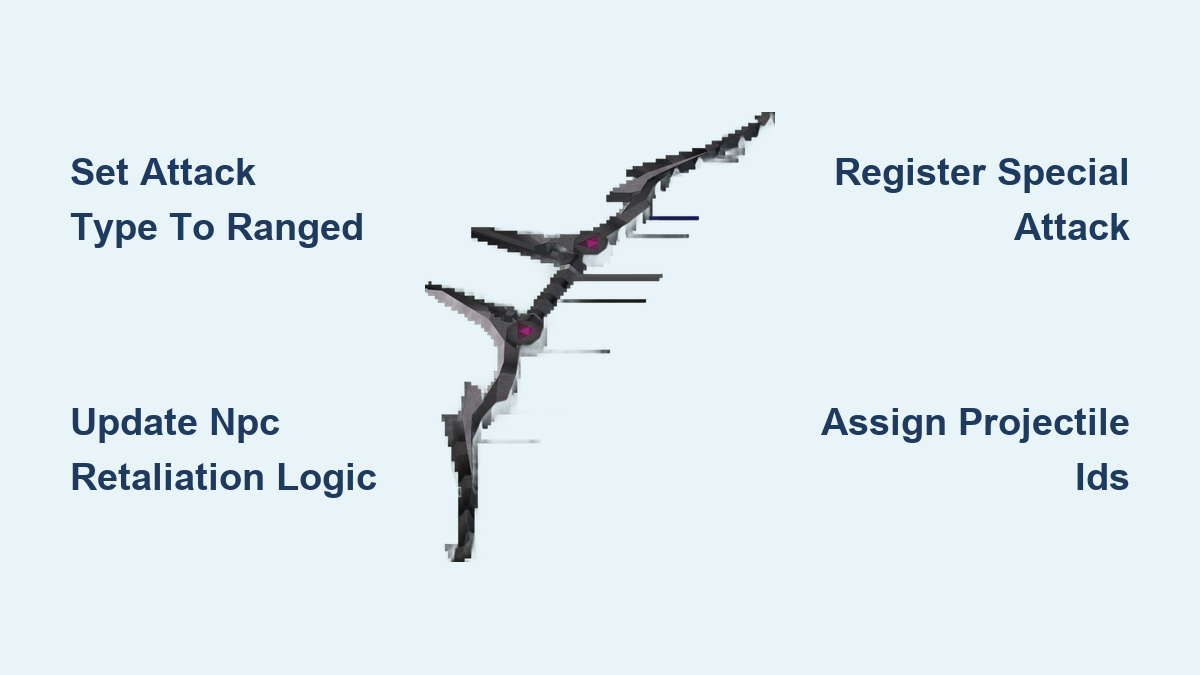
You need to confirm three critical values are set correctly. First, verify that weaponType is set to RANGED or BOW. Second, ensure attackType returns RANGED in your combat logic. Third, validate that animationId and projectileId are properly assigned.
If these values default to melee (for example, attackType equals 0), the combat loop assumes melee range, forcing NPCs into close combat. Take time to cross-reference your existing working bows (like the Magic Shortbow or Dark Bow) to ensure your Zaryte Bow matches their configuration patterns.
Updating NPC Combat Targeting Logic

Open your NPC.java or NPCCombat.java file and locate the method that determines retaliation style. This method may be named determineRetaliationStyle(), getRetaliationType(), or similar depending on your server revision.
Add a condition that checks the player weapon type before choosing the response. The logic should read the player’s equipped weapon, determine its attack category, and then set the NPC retaliation accordingly. If the player wields a bow, the NPC should switch to ranged or magic attack styles when appropriate.
This fix requires modifying the core combat loop. Test thoroughly after implementation to ensure NPCs no longer default to melee when players attack from range.
Registering Special Attack for Zaryte Bow
Many Zaryte Bow issues stem from improper special attack registration. Without correct special attack configuration, the weapon may function as a basic bow without its unique abilities. Locate your special attack handler file, typically named SpecialAttack.java or similar.
Add the Zaryte Bow to your special attack weapon list with the following parameters. Define the special attack percentage cost, typically 50% for high-end weapons. Set the effect type to either damage amplification or life leech depending on your server configuration. Assign the correct animation and graphic IDs that match the Zaryte Bow visual design.
Failure to register the special attack properly can cause the weapon to behave unexpectedly in combat scenarios. This registration is separate from the basic attack type configuration and requires its own dedicated handling.
Fixing Projectile and Animation Assignment
Without proper projectile and animation assignment, your Zaryte Bow will not fire visible arrows or display correct combat graphics. Open your combat projectile configuration file and add a new entry for the Zaryte Bow.
The projectile settings should include speed, delay, graphic ID, and destination offset. These values determine how the arrow travels from player to target. The animation ID controls the bow drawing and firing motion your character performs. Both must match your server existing bow animations to ensure visual consistency.
If you are unsure of the correct values, examine your Magic Shortbow or Crystal Crossbow configuration. Copy their projectile and animation structure, then adjust the IDs to match your Zaryte Bow assets.
Ensuring Proper Ranged AI Response
Once the weapon configuration is correct, you must verify that NPCs actually respond with ranged attacks when threatened by ranged weapons. This requires checking your NPC AI configuration files.
Locate the NPC combat style settings and ensure each NPC type has defined attack styles. Some NPCs may have only melee configured, while others should have multiple styles available. The Zaryte Bow user scenario specifically requires NPCs to recognize when they should switch from melee to ranged based on the player weapon type.
Add logic that checks the distance between NPC and player. If the player attacks from range, the NPC should attempt ranged retaliation if its AI supports it. This creates realistic combat behavior where NPCs adapt to player tactics.
Common Mistakes to Avoid
Several frequent errors occur when repairing the Zaryte Bow bug. Avoiding these will save you debugging time.
One common mistake is only editing the item definition without updating combat logic. The item definition tells the client how to display the weapon, but the server combat loop determines NPC behavior. Both must be configured.
Another frequent error is using incorrect attack type numeric values. Many servers use 0 for melee, 1 for ranged, and 2 for magic. Using the wrong number will cause the bug to persist.
Forgetting to restart the server after making configuration changes is another oversight. Many item and combat changes require a full server restart to take effect. Save your changes and restart before testing.
Testing Your Repairs
After implementing all fixes, thoroughly test the Zaryte Bow in multiple combat scenarios. Find a NPC with both melee and ranged capabilities and attack it with the Zaryte Bow. Watch carefully to confirm it responds with ranged attacks rather than charging into melee range.
Test the special attack functionality separately. Ensure the special attack activates, drains the correct amount of special energy, and applies the intended effect. Test against multiple NPC types to verify consistent behavior.
Finally, test the Zaryte Bow against NPCs that should only use melee attacks. These NPCs should continue using melee even when you attack from range. This confirms your fix only affects NPCs with ranged capabilities, preserving proper AI behavior.
Frequently Asked Questions About Zaryte Bow Repair
Why do NPCs only use melee when I attack with the Zaryte Bow?
This occurs because the server does not recognize the Zaryte Bow as a ranged weapon. The combat system defaults to melee attack type, causing NPCs to respond with melee regardless of your actual attack style.
Do I need to edit both client and server files to fix this?
You primarily need to edit server-side files, specifically the ItemDef configuration and NPC combat logic. Client-side edits are only necessary if you added custom graphics that require additional configuration.
Will this fix work for the Crystal Crossbow (CCB) as well?
Yes. The CCB experiences the same issue because it shares similar combat logic requirements. Apply the same fixes to your CCB configuration to resolve its NPC melee bug.
What revision versions are compatible with these fixes?
These fixes work across 317, 508, and 667 revisions with minor syntax adjustments. The core logic remains the same, though variable names and file structures may differ slightly between revisions.
How do I find the correct animation and projectile IDs?
Examine existing working bows in your server for reference. The Magic Shortbow and Dark Bow are reliable examples. Copy their ID structure and adjust values to match your Zaryte Bow assets.
Key Takeaways for Repairing Your Zaryte Bow
Repairing the Zaryte Bow NPC melee bug requires addressing multiple configuration points across your server files. The weapon must be properly defined as ranged in your item definitions, the NPC combat logic must check player weapon types before selecting retaliation style, and the special attack system must register the weapon correctly. Projectile and animation assignment ensures visual consistency while proper AI configuration allows NPCs to respond appropriately.
Take a methodical approach by diagnosing the exact symptom, verifying each configuration point, and testing thoroughly after each change. This systematic process prevents overlooking critical settings and ensures your Zaryte Bow functions correctly in all combat scenarios.